The template was never the problem. Using it is.
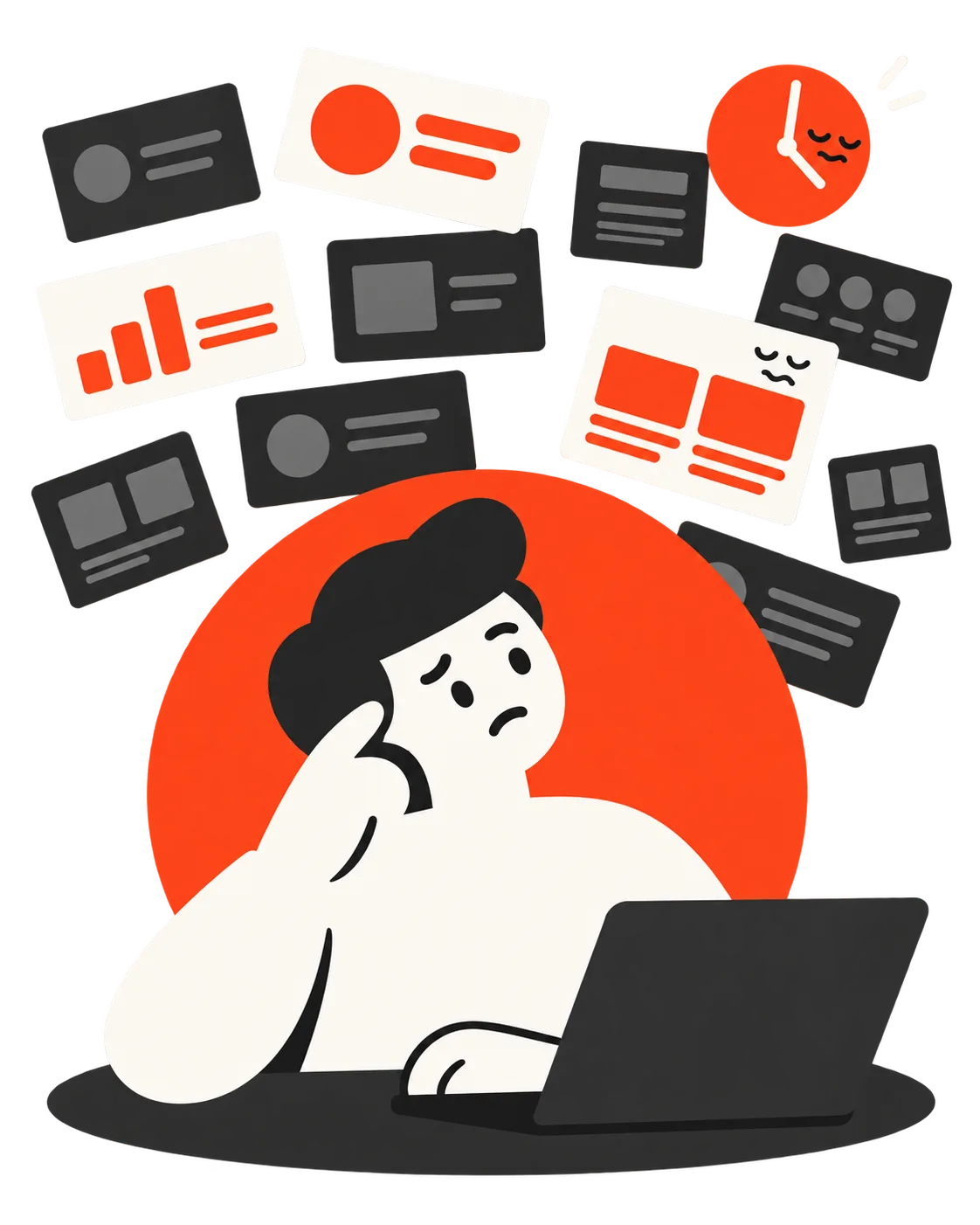
You've invested in a template before. A designer delivers two hundred slides. Your teams use about twenty.
The rest go unused, because knowing which layout fits and how to edit it without breaking the brand is a designer's skill, not something you can expect from every person who needs to make a deck.
So decks go out inconsistent, or they go out late, or someone senior quietly rebuilds them. However you cut it, it costs the company time and makes the brand look unowned.
What that actually costs you

What changes across your business
See it work
A real brand. A real brief. A finished, on-brand deck, built in minutes.
This is the whole pitch. Watch a blank brief become a deck your team would be proud to put in front of a client.
"Couldn't we just use Claude in PowerPoint ourselves?"
You could. And you'd get what everyone gets: generic slides. Default layouts, guessed-at spacing, your brand roughly approximated. The same average deck Claude gives any company, because on its own it has nothing of yours to work from.
Claude in PowerPoint is a capable engine. But an engine isn't a car. On its own it doesn't know your brand, it has no real layout system, and it has no eye for what makes a slide actually work.
That's what I build. A system designed around your brand by someone who's spent eight years making decks that win rooms, with every design decision written into rules Claude follows. So instead of generic output, your team gets slides that look like a designer made them. Every time.
The AI is the same AI everyone has. The difference is what I teach it to work from.

The practical part
Claude-ready templates, answered.
What is a Claude-ready PowerPoint template?
A PowerPoint template designed around your brand and set up to work with Claude in PowerPoint. Alongside the layouts, it carries written rules for colours, type, spacing and which layout fits which content, so Claude builds new slides that follow your brand instead of guessing.
What is Claude in PowerPoint?
Claude in PowerPoint, now called Claude for PowerPoint, is Anthropic's AI add-in, built into the PowerPoint app your team already uses. You describe the slide you need and Claude builds or edits it in your file. I handle the setup so it works with your template from day one.
Can't Claude make on-brand slides without a custom template?
On its own, Claude has nothing of yours to work from, so it falls back on default layouts, guessed-at spacing and an approximation of your brand. A Claude-ready template gives it your layouts, your brand rules and a designer's judgement, which is what turns generic AI slides into slides that look designer-made.
Can you make our existing PowerPoint template Claude-ready?
Yes. If your current template is solid, I audit it, fix the master slides and layouts that cause problems, and add the rules Claude needs to use it properly. If it isn't, I rebuild it around your brand.
Does my team need design or AI experience?
No. If they can describe the slide they need in plain language, they can use it. The system makes the layout and brand decisions, and checks its own work before anyone sees it.
How is this different from Copilot or other AI slide tools?
Copilot and Claude both now follow your company template inside PowerPoint, so the template decides most of the result. A Claude-ready template is designed by a presentation designer around your brand and tested with Claude on real content, and it's a native PowerPoint file your company owns.
Do we pay a subscription for the template?
No. You own the PowerPoint template outright, with no subscription or lock-in. Your team only needs Claude accounts with access to Claude in PowerPoint.
Will it work for every team in the company?
Yes. One system rolls out across every team, however many people need to build decks. When you need a layout that doesn't exist yet, it gets built and still fits the brand.
Make every deck look like the company you've built.
Your business is one system away from decks that are fast, consistent and on brand, no matter who makes them. Let's build it.
What's next: a private tool to draft a full deck from a document or a brief, built on your own template. In development with early clients.